
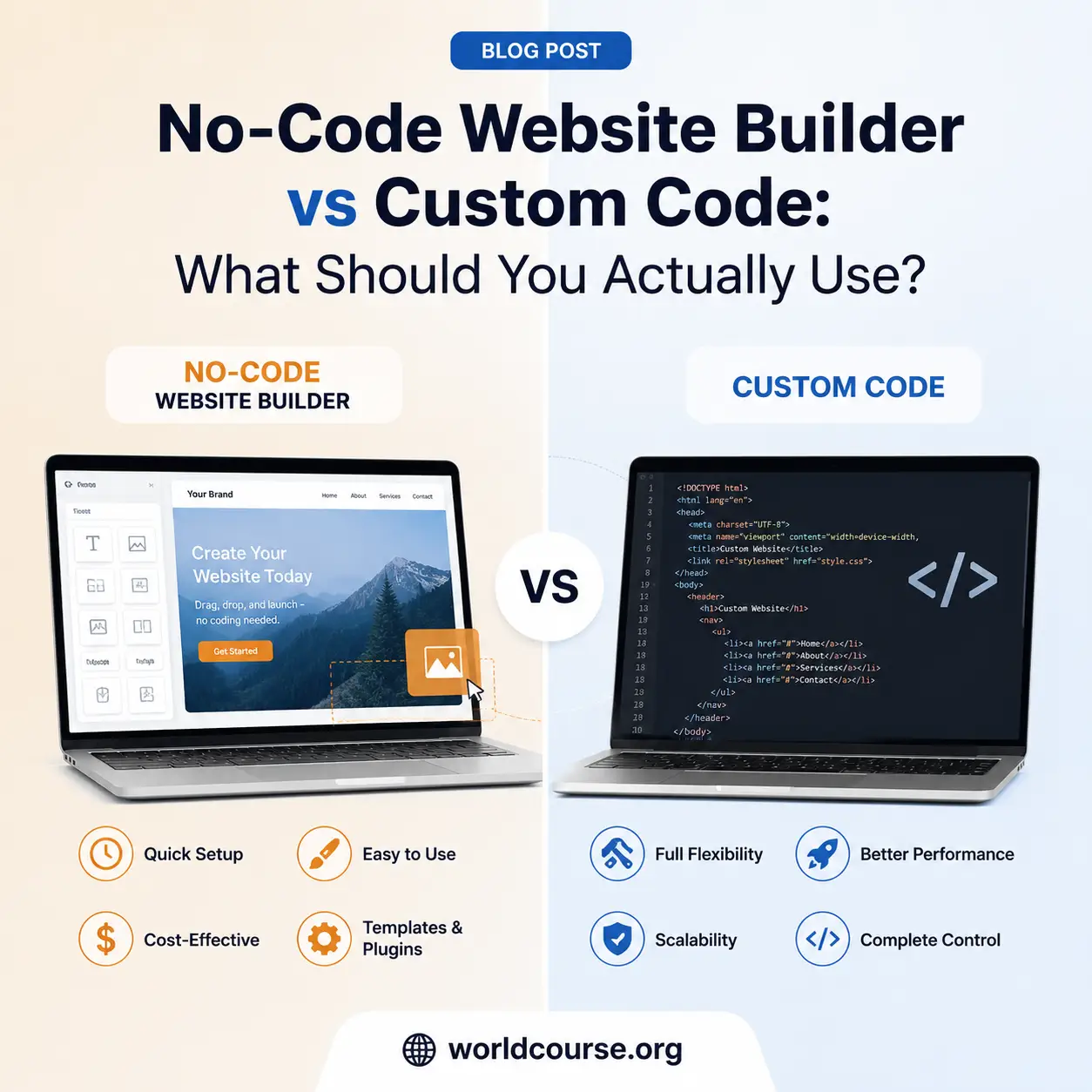
You’ve got an idea, and now you’re staring at two very different paths: drag a few blocks around in a no-code website builder and have something live by the weekend, or learn to code, or hire someone who already knows how, and build something fully custom from scratch. Both paths get pitched aggressively by people who’ve picked a side, which makes the actual decision harder to think through clearly than it should be.
Here’s an honest breakdown of when a no-code website builder genuinely makes sense, when custom code is worth the extra time and cost, and how to actually decide instead of just picking whichever option sounds more impressive.
What a No-Code Website Builder Actually Is
A no-code website builder lets you create a functional website or web app using visual tools, drag-and-drop editors, pre-built templates, and configuration panels, instead of writing code line by line. Modern no-code platforms have gotten sophisticated enough to handle things that used to require real development work: user accounts, payment processing, databases, and automation, all through a visual interface.
This is different from simply using a template-based site builder for a basic brochure website. Serious no-code platforms today can support genuinely functional products, not just static pages, which is exactly why the low code no code space has grown as quickly as it has.
When a No-Code Website Builder Genuinely Makes Sense
You Need to Validate an Idea Fast
If your main goal is figuring out whether people actually want what you’re building, a no-code website builder gets you to a testable product in days rather than months. Spending weeks writing custom code for a feature nobody ends up wanting is one of the most expensive mistakes in building something new.
You Don’t Have Development Resources Yet
Not everyone has a developer on hand, or the budget to hire one before there’s any revenue to justify it. A no-code website builder lets non-technical founders and small teams build something real without that dependency, at least in the early stages.
Your Requirements Match What the Platform Already Handles Well
User authentication, subscription billing, basic dashboards, simple automation, these are largely solved problems that most no-code platforms handle reliably. If your project fits comfortably within these common patterns, building custom code for the same functionality is often just reinventing something that already works.
When Custom Code Is Actually Worth It
Your Product Has Genuinely Unique Logic
If the core value of what you’re building depends on specific, complex business logic that doesn’t map cleanly onto existing no-code components, custom code gives you the flexibility a no-code website builder generally can’t match.
You’re Hitting Performance or Scale Limits
No-code platforms are built for broad usability, not necessarily for handling extremely high traffic or performance-critical operations. If you’re operating at a scale where milliseconds and infrastructure control genuinely matter, custom code becomes worth the investment.
You Need Deep, Non-Standard Integrations
Most no-code platforms support popular third-party integrations well. If you need to connect with a niche system, legacy software, or an API without an existing no-code connector, custom development often becomes the only realistic path forward.
Long-Term Ownership and Flexibility Matter More Than Speed
Building on a no-code website builder means your product’s flexibility is ultimately shaped by that platform’s roadmap and limitations. If long-term control over every technical decision matters more to you than shipping quickly, custom code avoids that dependency entirely.
Low Code No Code: The Middle Ground Worth Knowing About
Between fully no-code and fully custom sits the low code no code approach, platforms that let you build visually for most of the product while still allowing custom code where you specifically need it. This middle path is increasingly popular precisely because it avoids the all-or-nothing framing that “no-code vs custom code” debates often fall into.
If you’re choosing between low code development platforms and either extreme, the real question isn’t which category is better in general, it’s which one matches how much custom flexibility your specific project actually requires.
A Practical Way to Decide
Ask yourself these questions before choosing a direction:
Is this idea unvalidated? If you don’t yet know whether people want this, a no-code website builder gets you a real answer faster and cheaper than custom development would.
Does your core functionality match common patterns? Auth, payments, and dashboards are solved problems in no-code tools. Deeply unique business logic usually isn’t.
Do you have the budget and timeline for custom development? If not, starting with no-code and migrating later, once there’s real traction to justify the investment, is often the more practical sequence.
Will platform limitations genuinely block your roadmap? If you can already predict specific features a no-code website builder won’t support, it’s worth planning your technical approach around that reality now rather than later.
You Don’t Have to Choose Forever
One of the most overlooked points in this entire debate: choosing a no-code website builder now doesn’t mean you’re locked into it permanently. Many successful products start on no-code platforms to validate demand, then transition to custom code once there’s real revenue and clear reasons to justify the investment. The decision you’re making today is about the right starting point, not a permanent architectural commitment.
Building Your First Version the Right Way
If a no-code website builder sounds like the right starting point for what you’re working on, our The NoCode SaaS WebDev Blueprint walks through the entire process specifically for SaaS products, from validating your idea to choosing the right tools for authentication, billing, and launch, without needing custom code for the early stages.
Frequently Asked Questions (FAQ)
Q1: Is a no-code website builder good enough for a real business, or just for simple sites?
Modern no-code website builders can support genuinely functional products, including user accounts, payments, and automation, not just static brochure sites. Whether it’s “good enough” depends on how closely your specific requirements match common, well-supported patterns.
Q2: When should I choose custom code over a no-code website builder?
Custom code is worth it when your product has genuinely unique business logic, you’re hitting performance or scale limits, or you need deep integrations that no-code platforms don’t support well.
Q3: What does low code no code actually mean?
Low code no code refers to platforms that let you build primarily through visual tools while still allowing custom code where specifically needed, sitting between fully no-code and fully custom development.
Q4: Can I switch from a no-code website builder to custom code later?
Yes, many successful products start on no-code platforms to validate an idea, then transition to custom code once there’s real traction and revenue to justify the investment, rather than committing to custom development upfront.
Q5: Do low code development platforms require any coding knowledge?
Some do, typically at a lighter level than full custom development, allowing developers to move faster on standard parts of a product while still writing custom code for specific, complex functionality.
Q6: What’s the biggest mistake people make when choosing between no-code and custom code?
Treating it as a permanent, all-or-nothing decision. In reality, the right choice often depends on your current stage, starting with a no-code website builder to validate, then moving to custom code once the investment is clearly justified.
Explore More on WorldCourse
- Build your first no-code SaaS with The NoCode SaaS WebDev Blueprint
- Growing an online store? See the Ecommerce Brand Scaling Guide
- Organize your work with the Digital Productivity Knowledge Systems Compendium
- Browse the full ebooks and guides library
- Read more on our blog
- Have questions? Contact our support team