
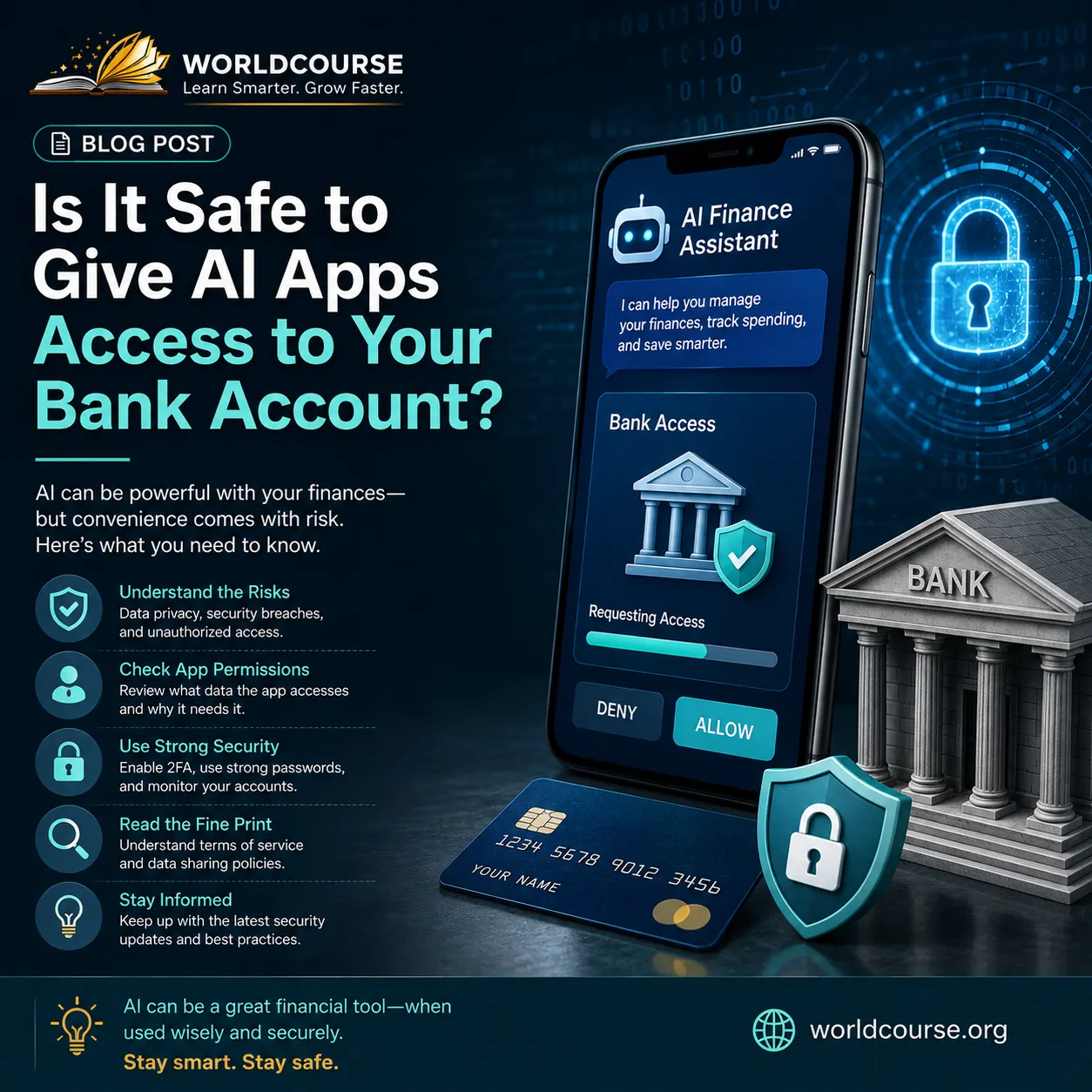
Is It Safe to Give AI Apps Access to Your Bank Account? You download a budgeting app, and within thirty seconds it’s asking to connect directly to your bank account. It promises smarter savings, automatic categorization, personalized insights, maybe even an AI assistant that talks you through your spending. And right before you tap “connect,” a small, reasonable hesitation kicks in: is this actually safe?
It’s a fair question, and one more people are asking as AI-powered finance apps become the default rather than the exception. Millions of people already use these tools regularly, but that doesn’t automatically mean the risks are zero, or that every app handles your data the same way. Here’s an honest, practical breakdown of what’s actually happening when you connect your bank account to an AI app, and how to think through the decision clearly.
How AI Apps Actually Access Your Bank Account
Most AI finance apps don’t get your banking password directly, at least not the reputable ones. Instead, they use something called open banking, a regulated system that allows apps to request specific, limited data from your bank through a secure, standardized connection, rather than storing your actual login credentials.
This matters because it changes what “access” actually means. A well-built app typically requests read-only access to your transaction history and balances, not the ability to move money or make changes on its own. Understanding this distinction is the first step in evaluating whether a specific app’s access request is reasonable or overreaching.
Is Open Banking Safe?
Open banking itself, as a regulated framework, is generally considered safe by financial regulators in both the US and UK, since it requires strict security standards, encrypted data transfer, and clear consent processes before any data sharing happens. The system was specifically designed to be safer than the older, riskier practice of apps asking users to directly type in their bank login credentials.
That said, “the framework is safe” and “every app built on top of it is trustworthy” are two different claims. The security of the underlying system doesn’t automatically guarantee that a specific app is handling your data responsibly once they have it.
What Permissions Do Finance Apps Actually Need?
This is where paying attention genuinely matters. Legitimate AI budgeting or finance apps typically need:
Read access to transactions and balances, which allows them to categorize spending and generate insights, the core function most people are actually looking for.
Account identification details, needed to link the correct account and avoid mixing up data between accounts.
What legitimate apps generally should not need, and where you should pause and reconsider, includes requests for the ability to initiate payments or transfers without your explicit action each time, or requests for far more account access than the app’s actual features would require.
The Real Risks of Connecting Your Bank Account to AI Apps
Data breaches at the app level. Even if the bank connection itself is secure, the app company storing your transaction history and spending patterns could still be breached, exposing sensitive financial behavior data, even without direct access to move your money.
Overly broad permissions. Some apps request more access than their actual features require, either through poor design or because they intend to monetize your data in ways that aren’t clearly disclosed.
Third-party data sharing. Some apps sell or share aggregated, and sometimes not-so-aggregated, spending data with advertisers or other companies, which may not be obvious from the app’s initial permission request alone.
Fake or malicious apps. Not every app requesting bank access is legitimate. Some deliberately mimic real budgeting tools specifically to harvest financial data or credentials from people who don’t verify the app’s legitimacy first.
How to Decide If a Specific App Is Safe
Check if it uses proper open banking infrastructure. Legitimate apps in the US and UK typically use recognized, regulated open banking providers rather than asking you to directly enter your bank login into their own interface.
Read what data they collect, and why. A reasonable privacy policy should clearly explain what data is collected and how it’s used. Vague, overly broad language is a signal worth taking seriously.
Check for regulation and reviews from actual financial authorities, not just app store ratings, which can be manipulated or reflect user experience rather than actual security practices.
Start with read-only access where possible. If an app offers a tier of access that doesn’t include payment initiation, starting there limits your exposure while you evaluate whether you trust the app long-term.
Be more cautious with newer, less established apps. This doesn’t mean new apps are automatically unsafe, but established apps with a longer track record and regulatory history have more evidence available to evaluate their actual security practices.
So, Is It Actually Safe?
For reputable apps built on proper open banking infrastructure, with clear, limited permissions and read-only access, the risk is generally manageable and comparable to other everyday digital financial activity, like online banking itself. The framework these apps are built on was specifically designed to be safer than older alternatives.
For apps with vague permissions, unclear data practices, or a request for more access than their features justify, the calculation changes considerably. The safety of “AI apps and bank accounts” as a category depends heavily on which specific app you’re evaluating, not a single universal answer.
Protecting Yourself Beyond Just This Decision
Deciding whether to connect a specific app to your bank account is one part of a much larger picture of protecting your financial life online. If you want a complete framework for protecting your accounts, data, and digital identity more broadly, our Cybersecurity Asset Protection Manual walks you through exactly that.
And if the reason you’re considering an AI budgeting app in the first place is to finally get a handle on your spending, our Money Mindset and Financial Freedom ebook covers the underlying habits that actually make budgeting stick, with or without an app doing the tracking for you. If scams and fraud are also on your mind while evaluating new financial tools, our related post on how to spot an AI scam covers the warning signs worth knowing.
Frequently Asked Questions (FAQ)
Q1: Is it safe to give AI apps access to your bank account?
For reputable apps using proper open banking infrastructure with limited, read-only permissions, the risk is generally manageable. The safety depends heavily on the specific app’s data practices, not a single universal answer for all AI finance apps.
Q2: How do AI budgeting apps actually access my bank account?
Most legitimate apps use open banking, a regulated system that shares specific, limited data through a secure connection, rather than storing your actual bank login credentials directly.
Q3: Is open banking safe in general?
Open banking as a regulated framework is generally considered safe by financial regulators, since it requires encrypted data transfer and clear consent processes. However, individual apps built on the framework still vary in how responsibly they handle your data.
Q4: What permissions should I be cautious about when connecting an app to my bank account?
Be cautious of apps requesting the ability to initiate payments or transfers without your explicit action each time, or requesting significantly more access than the app’s actual features would reasonably require.
Q5: Can a legitimate-looking app still be unsafe?
Yes, some apps deliberately mimic real budgeting tools to harvest financial data or credentials. Verifying an app’s legitimacy through regulatory information and established reviews matters more than app store ratings alone.
Q6: What’s the safest way to start using an AI finance app?
Starting with read-only access where available, choosing apps built on recognized open banking infrastructure, and avoiding apps with vague or overly broad permission requests are the most practical ways to limit your risk.
Explore More on WorldCourse
- Build a complete digital defense with the Cybersecurity Asset Protection Manual
- Strengthen your money habits with Money Mindset and Financial Freedom
- Related read: How to Spot an AI Scam Before It Costs You Money
- Related read: Don’t Get Burned: Scam Protection Guide
- Browse the full ebooks and guides library
- Have questions? Contact our support team