
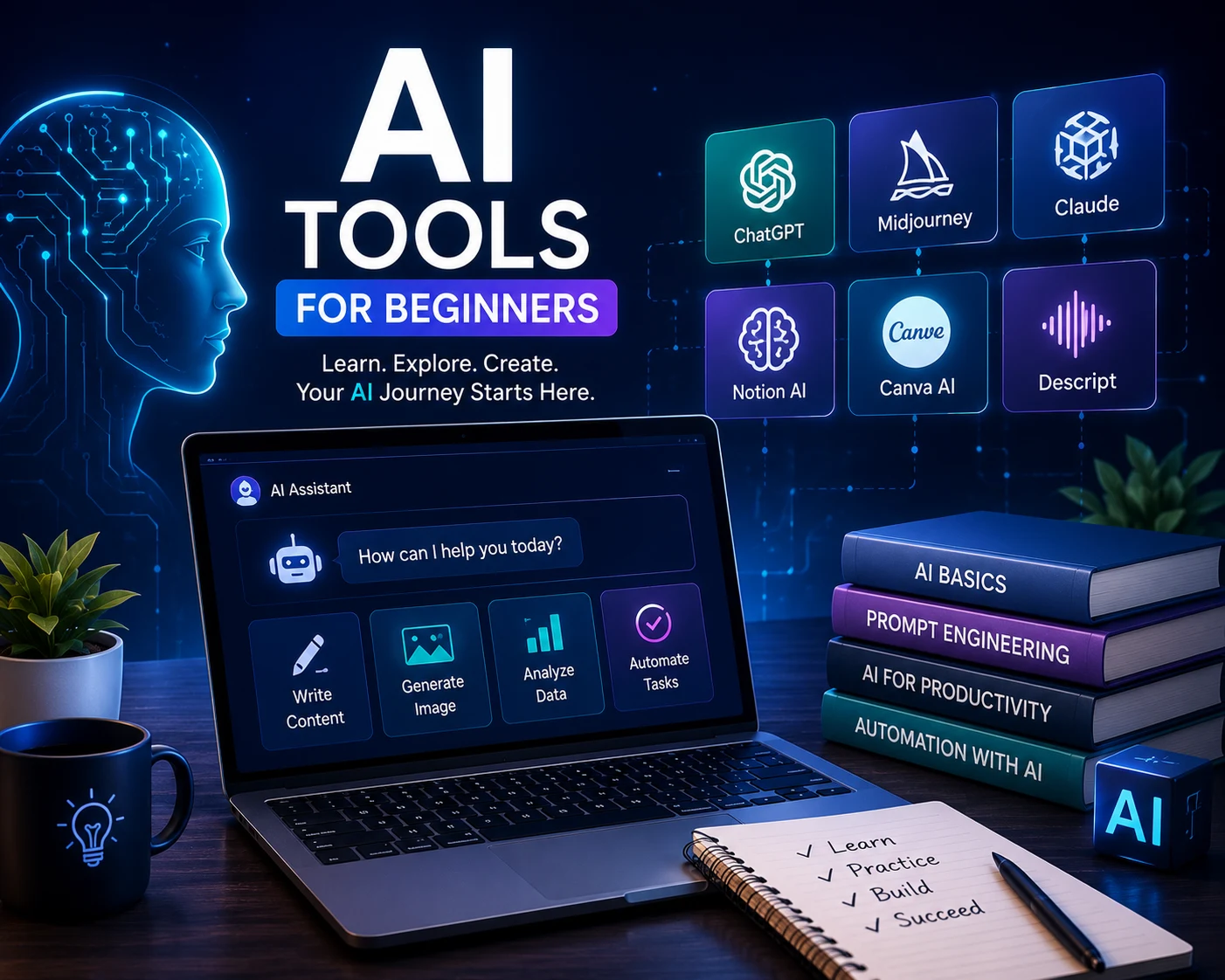
5 AI Tools You Should Know in 2026
If you’ve been putting off learning about AI because it feels like a moving target — new tool every week, everyone talking over your head — you’re not alone. But here’s the good news: you don’t need to understand machine learning or write a line of code to start using these AI tools for beginners effectively. Most of the tools that are actually changing how people work are surprisingly simple once you sit down and try them.
This guide walks through five AI tools for beginners that are worth learning first, why they matter, and how to actually start using them without wasting hours figuring out where to click.
Why Bother Learning AI Tools Right Now
A lot of people assume AI tools are for programmers or tech companies. That hasn’t been true for a while now. Writers use them to draft faster. Small business owners use them to handle customer questions. Students use them to understand topics they’re stuck on. The gap between “people who use AI” and “people who don’t” is starting to look less like a tech skill and more like a basic literacy — the same way knowing how to use a spreadsheet became expected, not optional.
Learning even two or three tools well puts you ahead of most people still figuring out what “prompt” even means.
1. ChatGPT (or Similar Chat-Based AI)
This is the obvious starting point, and for good reason. A chat-based AI tool lets you ask questions, draft emails, brainstorm ideas, summarize long documents, and explain confusing topics in plain language — all through normal conversation. No special syntax required.
The trick beginners miss is that the quality of what you get back depends heavily on how clearly you ask. Vague questions get vague answers. Specific, detailed requests get useful ones. Spend a week just experimenting with different ways of asking the same question, and you’ll notice a real difference in output quality.
2. AI Writing Assistants
Beyond general chat tools, there are AI tools built specifically for writing — helping with grammar, tone, structure, and even generating full drafts from a short outline. These are especially useful if writing isn’t your strong suit, or if you’re producing a lot of content and need to move faster without sacrificing quality.
A good habit here: use these tools to get past the blank page, then edit heavily in your own voice. AI-generated writing that goes out untouched tends to sound generic, and readers can usually tell.
3. AI Image Generators
Tools that turn a text description into an image have gone from a novelty to a genuinely useful skill, especially for anyone doing marketing, social media, or content creation without a design background. You describe what you want — a mood, a style, specific elements — and the tool generates options in seconds.
The learning curve here is mostly about learning to describe things precisely. “A logo” gives you something generic. “A minimalist logo for a coffee brand, warm colors, hand-drawn feel” gives you something usable.
4. AI Productivity and Automation Tools
This category covers some of the most practical AI tools for beginners looking to save real time — tools that quietly handle repetitive tasks in the background — sorting emails, scheduling meetings, summarizing meeting notes, organizing to-do lists based on priority. They’re less flashy than a chatbot or image generator, but for beginners trying to actually save time (not just play with a new toy), these often deliver the most practical value day to day.
Start small here. Pick one repetitive task that eats up your time every week, and look for a tool built specifically to automate that one thing.
5. AI Research and Summarization Tools
If you regularly need to read long articles, reports, or documents, AI summarization tools are one of the most immediately useful tools you can learn. Feed them a lengthy document, and they’ll pull out the key points in a fraction of the time it would take to read the whole thing yourself.
This doesn’t replace deep reading when it matters — but for quickly deciding whether something’s worth your full attention, it’s a genuine time-saver.
How to Actually Start Learning These Tools
Don’t try to master all five at once. Like most AI tools for beginners, they reward patience over speed — pick one, use it daily for a week on real tasks (not just testing it out with random questions), and let yourself get comfortable before adding the next. Beginners often overwhelm themselves trying to learn everything simultaneously, then give up entirely.
It also helps to follow a structured path instead of guessing your way through. Our AI Mastery collection is built around exactly this — practical, beginner-friendly lessons that get you comfortable with these tools without the overwhelm.
AI Skills Pair Well With Other Digital Skills
AI tools rarely exist in isolation. Someone learning digital marketing uses AI to draft ad copy faster. Someone learning to trade might use it to summarize price action trading concepts into plain language. Someone exploring crypto investing might use it to research a project before putting money in. The tools amplify whatever skill you’re already building, which is exactly why it’s worth learning them early rather than later.
If you’re building out a broader skill set, it’s worth browsing our full ebook library to see what else pairs well with AI tools for your specific goals.
Frequently Asked Questions
What are the best AI tools for beginners? Chat-based AI assistants, AI writing tools, image generators, productivity automation tools, and research summarizers are all strong starting points for beginners.
Do I need coding skills to use AI tools? No. Most modern AI tools are designed for non-technical users and can be operated entirely through plain-language instructions.
How long does it take to learn AI tools as a beginner? Most people become comfortable with a single AI tool within a week of daily, practical use. Learning several tools well typically takes a few months.
Is ChatGPT the best AI tool to start with? It’s a strong first choice because of its flexibility — it can help with writing, research, brainstorming, and general questions, making it a good entry point before exploring specialized tools.
Can AI tools replace human skills? No. AI tools are best used to speed up and support human work, not replace judgment, creativity, or expertise entirely.
Are AI tools for beginners free to use? Many popular AI tools offer free versions with limited features, making them accessible starting points before considering paid upgrades.
What’s the biggest mistake beginners make with AI tools? Trying to learn too many tools at once, or using vague, unclear prompts and expecting high-quality results.